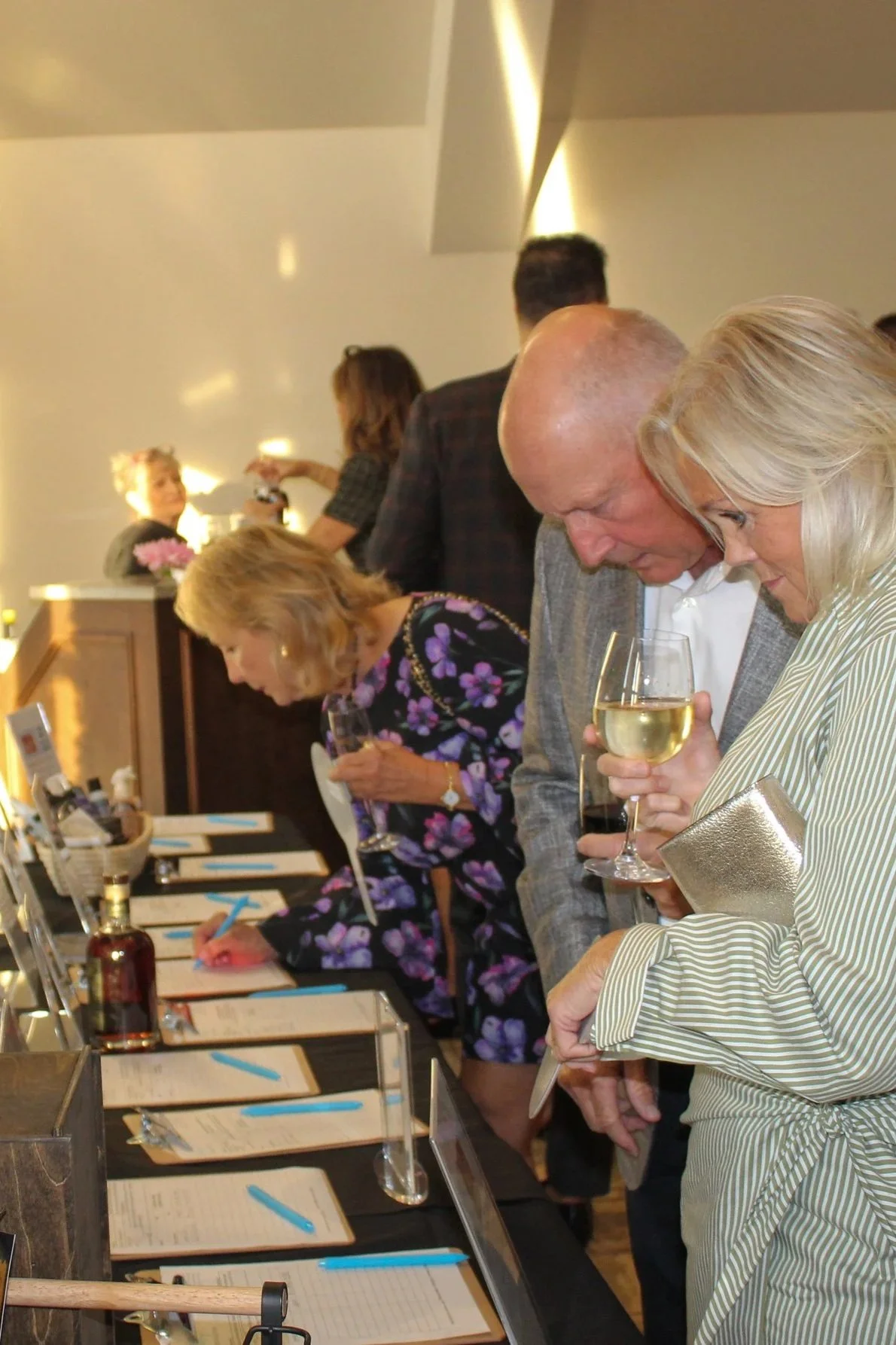
Welcome to our Auction
Curiosity looks good on you.
We’ve gathered an extraordinary lineup of experiences, getaways, and hard-to-find treasures for this year’s auction—and the virtual vault is officially unlocked. Consider this your VIP all-access pass to peek at what’s up for grabs before everyone else.
👇 Window shopping encouraged. Bidding highly recommended.
The Mobile Bidding Process
This year our auction will be entirely mobile. To ease the transition, let’s walk you through the mobile bidding journey ahead of time. Here’s what to expect:
Open: You’ll either scan an items QR code on your phone or tap an auction link.
Register: You’ll enter basic contact and payment details.
Browse: View items, photos, values, and restrictions.
Bid: Place a bid or set a maximum bid amount.
Respond: You’ll receive an alert when someone outbids you.
Pay: The winning bid is charged after the auction closes at 7:00 sharp on September 3rd.
Collect: If you won an item, you will receive pickup or delivery instructions.
FEELING READY? GET STARTED NOW.
Don’t Miss Your Chance to Win
📌 Pro-Tip for Bidders: Want to secure that premier golf trip or experience? Create your BetterWorld account and pre-save your credit card today. When bidding gets competitive in the final minutes, having your card already on file ensures your bids go through instantly with a single click.
It’s as easy as 1-2-3:
1. Log In: takes 1 minute.
Go to harpeykfoundation.betterworld.org and log into your account (or click Sign Up if you haven't created one yet).
2. Go to Account Settings: Top Right Corner.
Click on your profile icon or initials in the top right-hand corner of the screen and select Account or Profile.
3. Add Payment Method: Secure Vault.
Navigate to the Payment Methods tab, click Add Card, and securely enter your credit card information.
Done! You’re ready to Bid.
Click save. Your account is now verified and optimized for lightning-fast, one-click bidding the moment the auction goes live!